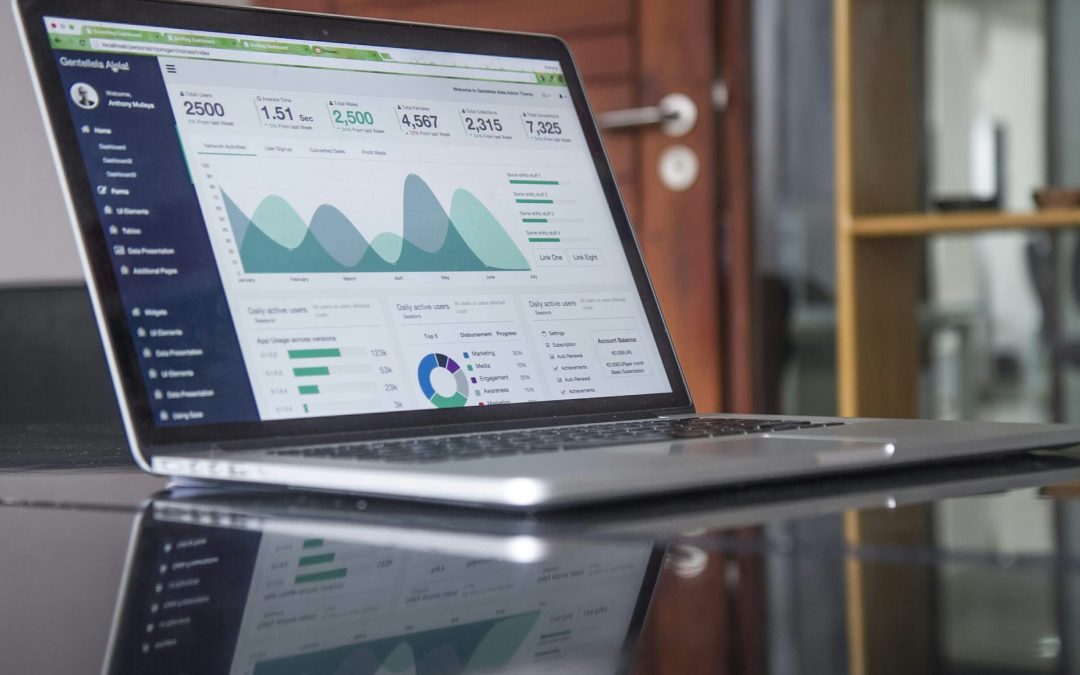
When it comes to tracking business performance, Zoho offers two main reporting tools: Zoho CRM’s built-in reports and Zoho Analytics. But what’s the difference? Should you stick with CRM reports, or is it worth setting up Zoho Analytics?
In this post, we’ll break down:
- Key differences
- Use cases
- Businesses that benefit from upgrading to Analytics
- Those who don’t
Zoho CRM Reports
Fast, Simple, and Built In
Best for: Sales teams and managers who need quick, straightforward reports on CRM data.
The Pro’s:
✔ Easy to Use – No special setup required, just go to the “Reports” tab and start creating.
✔ Directly Pulls CRM Data – Get insights on deals, leads, revenue, and team performance.
✔ Basic Dashboards – You can create summaries, and tables to track sales trends.
✔ Scheduled Reports – Automate daily, weekly, or monthly reports sent to your inbox.
✔ Great for Sales & Marketing Teams – Designed for tracking pipeline movement, lead conversion rates, and campaign performance.
The Con’s:
❌ Limited Customization – While you can filter and group data, the options are basic compared to Analytics.
❌ Doesn’t Mesh Well With Other Apps – While you can integrate data from other Zoho apps (Books, Finance, etc.), it can only display as a stagnant report instead of a variable in equations.
❌ Lacks Advanced Calculations – If you need complex metrics like customer lifetime value (CLV), retention rates, or profit margins, CRM reports won’t cut it.
When to Use Zoho CRM Reports:
- You only need basic sales reports (e.g., won vs. lost deals, lead sources, rep performance).
- You want quick insights from your CRM without extra setup or risk of unwanted data blending.
- Your reporting needs are mostly internal to Zoho CRM.
Zoho Analytics
Advanced, Customizable, and Multi-Source
Best for: Businesses that need in-depth analysis, cross-department reports, and data from multiple sources.
The Pro’s
✔ Pulls Data from Multiple Apps – Connects with other Zoho apps (Zoho Books, Desk, Campaigns, Inventory, etc.) as well as external software (Linkedin, Google, Shopify Microsoft, etc. Full list here.)
✔ Advanced Dashboards & Custom Metrics – Build interactive reports with advanced formulas, custom KPIs, and predictive analytics.
✔ Data Blending & Visualization – Combine data from different apps into one powerful report.
✔ SQL Queries & AI Insights – Use custom SQL functions or Zoho’s AI-powered insights (Zia Analytics) for deeper analysis.
✔ Better for Scaling Businesses – Handles large datasets with better filtering, grouping, and segmentation.
The Con’s ❌
❌ Takes Longer to Set Up – Unlike CRM reports, complex Analytics reports require more configuration and data connections.
❌ Not Ideal for Quick Sales Reports – If you just need a simple report on deals or leads, CRM reports are faster.
❌ May Require Training – More advanced functions (SQL queries, blending data) require a learning curve. However, if someone on your team already understands these concepts, this shouldn’t be a problem.
When to Use Zoho Analytics:
- You want to combine data from CRM, finance, support, and marketing for full business reporting.
- You need advanced sales forecasting, retention analysis, or profitability tracking.
- You’re a data-driven business looking for more insights beyond basic CRM reports.
What Kind of Businesses Benefit from Upgrading to Zoho Analytics?
Certain industries rely on more advanced reporting and multi-source data analysis, financial analysis, or forecasting. If your business falls into one of these categories, Zoho Analytics could be a game-changer:
SaaS & Tech – Tracks customer retention, churn rates, subscription revenue, and lifetime value by integrating CRM, finance, and support data.
E-Commerce & Retail – Combines sales, inventory, and marketing performance to measure ROI and optimize pricing strategies.
Financial Services – Analyzes profitability, risk assessments, and client portfolios by pulling data from multiple financial sources.
Manufacturing & Supply Chain – Monitors order fulfillment, supplier performance, and inventory trends across multiple platforms.
Healthcare & Insurance – Tracks patient engagement, claims processing, and compliance metrics with custom dashboards.
Marketing Agencies – Blends campaign performance, lead conversion, and ad spend data for deeper client reporting.
Real Estate & Property Management – Analyzes sales pipelines, commission structures, and market trends in one place.
What Kind of Businesses Don’t Need Zoho Analytics?
Not every business requires complex reporting. If your company mainly tracks straightforward sales data, Zoho CRM Reports will likely be enough. Here are some industries and business types that can stick with simple CRM reports:
Small Local Businesses (Retail, Restaurants, Salons, etc.) – If you’re mainly tracking customer contacts, appointments, or one-time sales, CRM Reports give you everything you need.
Freelancers & Solopreneurs – If you’re a consultant, coach, or independent contractor, your reporting needs are usually basic—things like lead follow-ups, deal closures, and client history.
B2B Service Providers with Simple Pipelines – If your sales process involves a few key deals per month (e.g., law firms, construction companies, niche agencies), CRM Reports are fast and sufficient.
Businesses That Don’t Use Multiple Zoho Apps – If you only use Zoho CRM and don’t integrate with Books, Desk, or Campaigns, Zoho Analytics won’t add much value past combining your current CRM data.
Companies That Just Need Quick Sales Reports – If you only want deal tracking, rep performance, and revenue summaries, Zoho CRM Reports are easier and faster than setting up Zoho Analytics.
Final Recommendation:
Use Zoho CRM Reports if you need fast, simple sales reports that work straight out of the box.
Use Zoho Analytics if you need multi-app reporting, advanced analytics, and deeper business insights.
If you‘re not sure yet, start with CRM Reports and upgrade to Zoho Analytics as your reporting needs grow.
At Z1 Consultant, we specialize in helping businesses navigate and customize features like these. If you’d like expert guidance on implementing Zoho Analytics or optimizing your current CRM setup, schedule a call with us today.
Good luck, and don’t hesitate to reach out if you need any more guidance on using ZOHO CRM!